Object cards
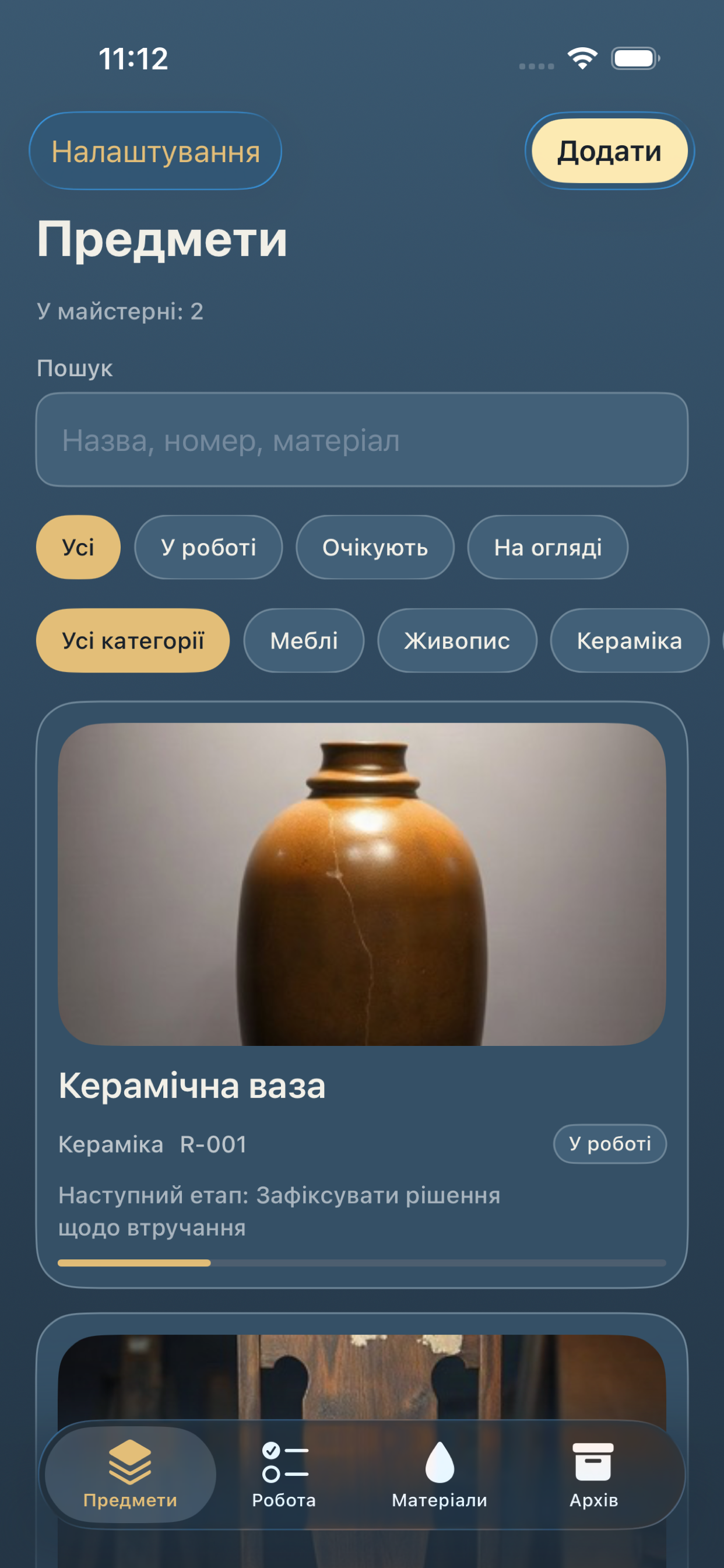
Start with a name. Category, inventory code, and status — first look, in progress, waiting, or finished — stay on the card.
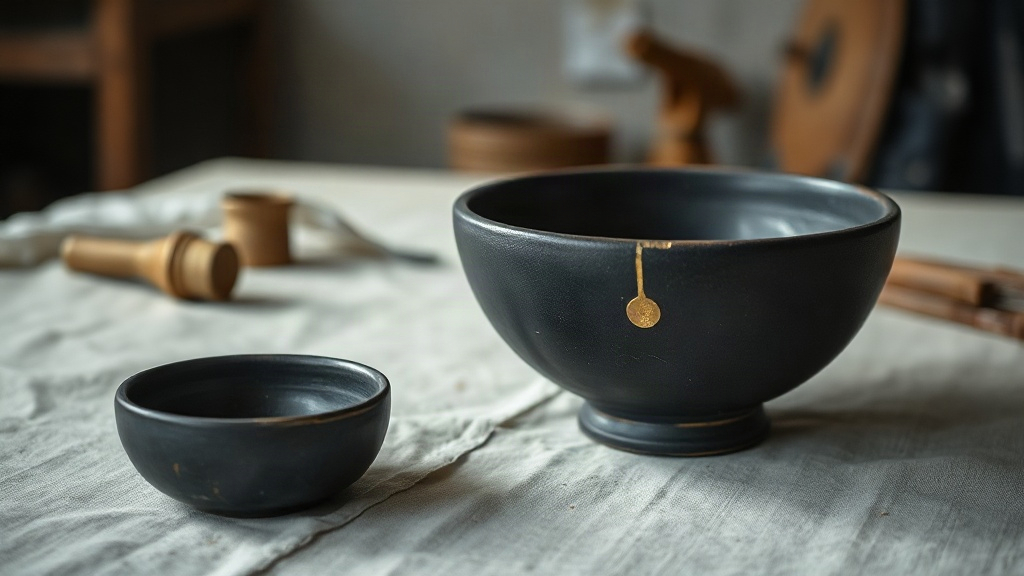
Workshop log
A record for the bench
Keep furniture, paintings, ceramics, and paper in one workshop log — with the photos, marks, and stages that belong to each object.
On the bench
A name is enough to open a card. Photos, a plan, and notes can wait until you have them.
Start with a name. Category, inventory code, and status — first look, in progress, waiting, or finished — stay on the card.
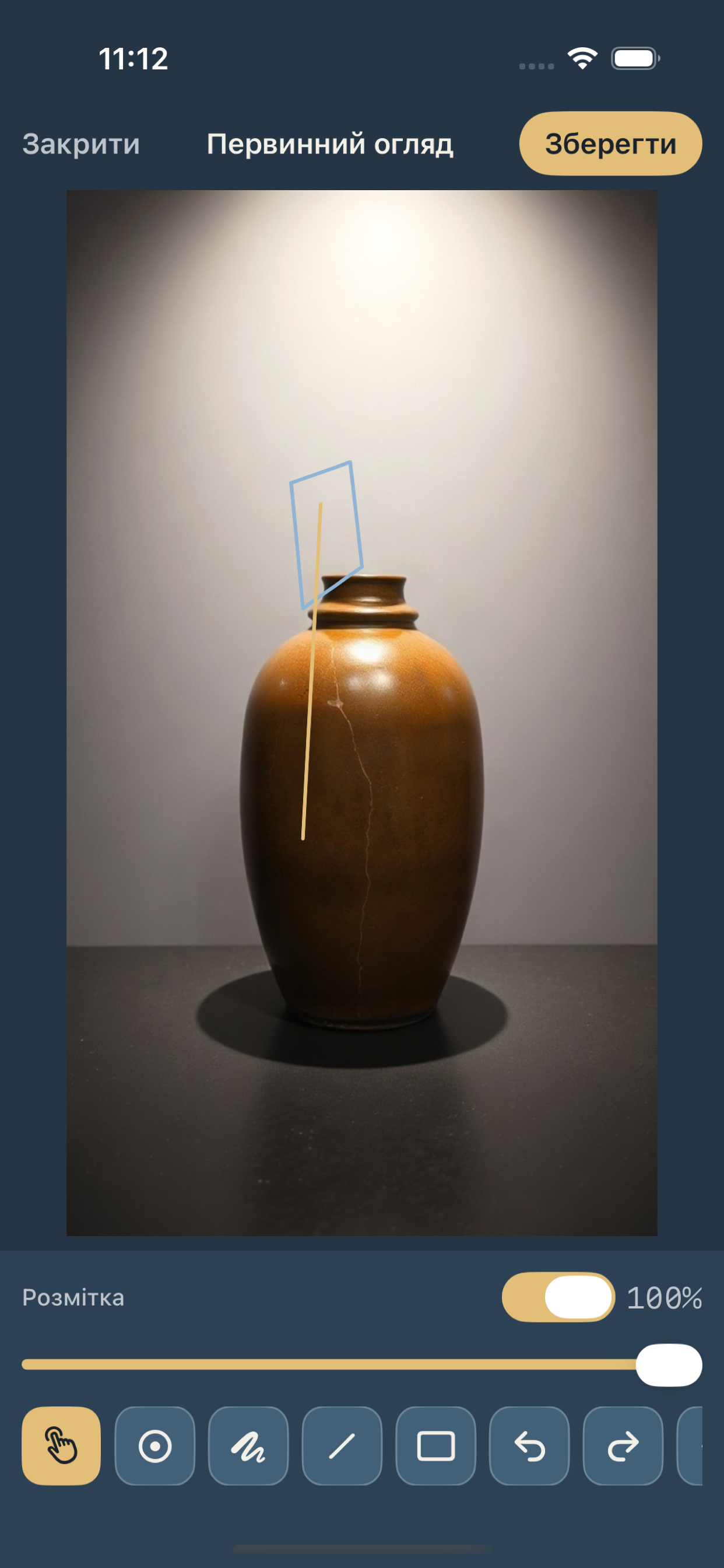
Tie a crack, chip, stain, or loss to a photo. Draw a contour, name the mark, and set how serious it is.
Place two pictures of the same object side by side. Light and camera angle can change what the surface shows.
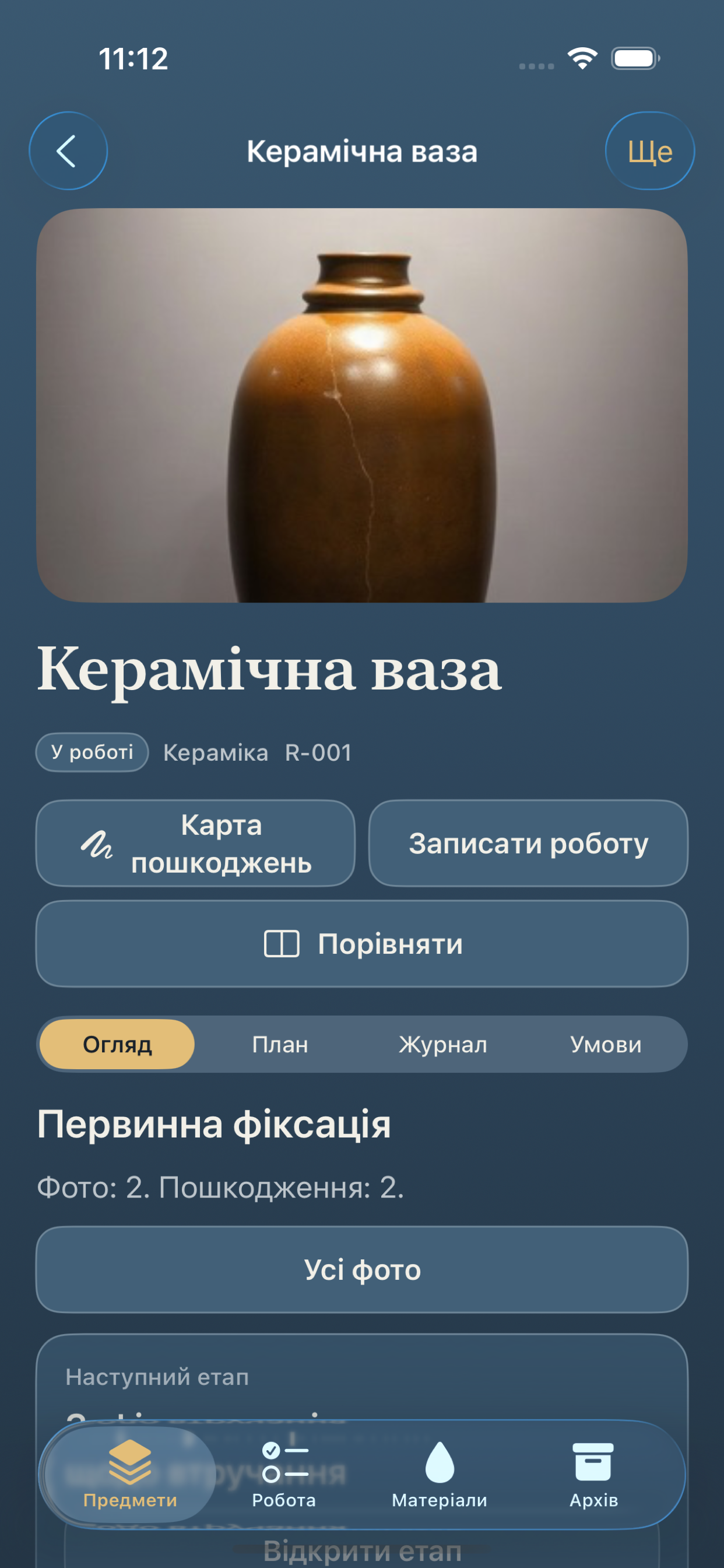
See the next open step and record whether the job finished, stopped partway, or was set aside.
Keep a material list and mixtures in your own words. Restora stores the wording and does not supply recipes.
Share a PDF of the record. A backup can include notes, photos, and contacts if you typed them in.
Looking closer
Three moments from the record: the shelf of objects, one piece open, and a mark drawn on its photo.
Before you write
The same page holds how the record is kept and how to reach Mariia Varyk.
Restora keeps the workshop record on the device you use. That record can include object names, categories, inventory codes, status, work stages, material notes you type, storage readings you enter by hand, damage marks, and the photos you attach from the camera or your photo library. A tutorial example is stored apart from your own objects.
Camera and photo library access is used so you can attach a picture of an object, a mark, or a stage, and so you can save an image back to your library when you choose to. A backup you create can also include contacts if you typed them into the record. A PDF report or a backup leaves the device only when you share it yourself.
Restora does not run an account for the workshop and does not send the record to a server as part of ordinary use. If you already shared a backup or a report and want that copy handled, write to Mariia Varyk at the address on the Support tab.
Questions about Restora, a record that will not open, or a backup you already shared go to Mariia Varyk.
mariiavaryk@konfetsionirozatov.org
Phone: +1 902 400 5669
Include the object name and what you expected to happen so the reply can stay with that piece of work.